

Description
EDIT LIKE A PRO: BEGINNER LIGHTROOM GUIDE
You’ve taken the shot.
The composition is there.
The subject looks good.
The moment is captured.
But when you open Lightroom…
You hesitate.
You move sliders…
Try presets…
Adjust colors…
And somehow, the photo still doesn’t look professional.
If that sounds familiar, this guide was made for you.
Because the truth is:
Editing is where good photos become powerful images.
And without the right understanding, it’s easy to:
- Over-edit your photos
- Destroy natural colors
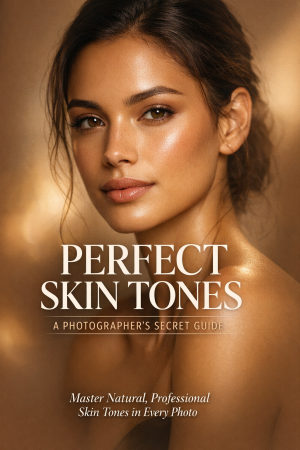
- Lose skin tone accuracy
- End up with inconsistent results
What You’ll Learn Inside This Guide:
- How to approach editing with intention, not guesswork
- A simple step-by-step Lightroom workflow that actually works
- How to fix exposure, contrast, and color balance correctly
- The secret to natural-looking edits (without overdoing it)
- How to use Lightroom tools like a professional
- Why presets alone won’t fix your photos (and what will)
- How to develop a consistent editing style
This Guide Is Perfect For You If:
- You feel lost when editing your photos
- Your edits don’t look consistent
- You rely too much on presets
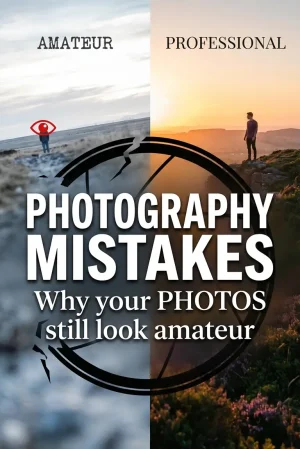
- Your photos look “okay”… but not professional
- You want to edit faster, better, and with confidence
Why This Guide Is Different
This is not a random tutorial.
This guide walks you through how to think like an editor, not just what buttons to press.
So instead of copying settings…
You’ll understand:
- What each adjustment does
- When to use it
- How to apply it to any photo
The Result?
After applying this guide:
- Your edits will look cleaner
- Your colors will feel natural
- Your workflow will become faster
- Your confidence will increase
And most importantly…
Your photos will finally look the way you imagined them.
Final Thought
You don’t need more presets.
You need direction.
And this guide gives you exactly that.
Reviews
There are no reviews yet.